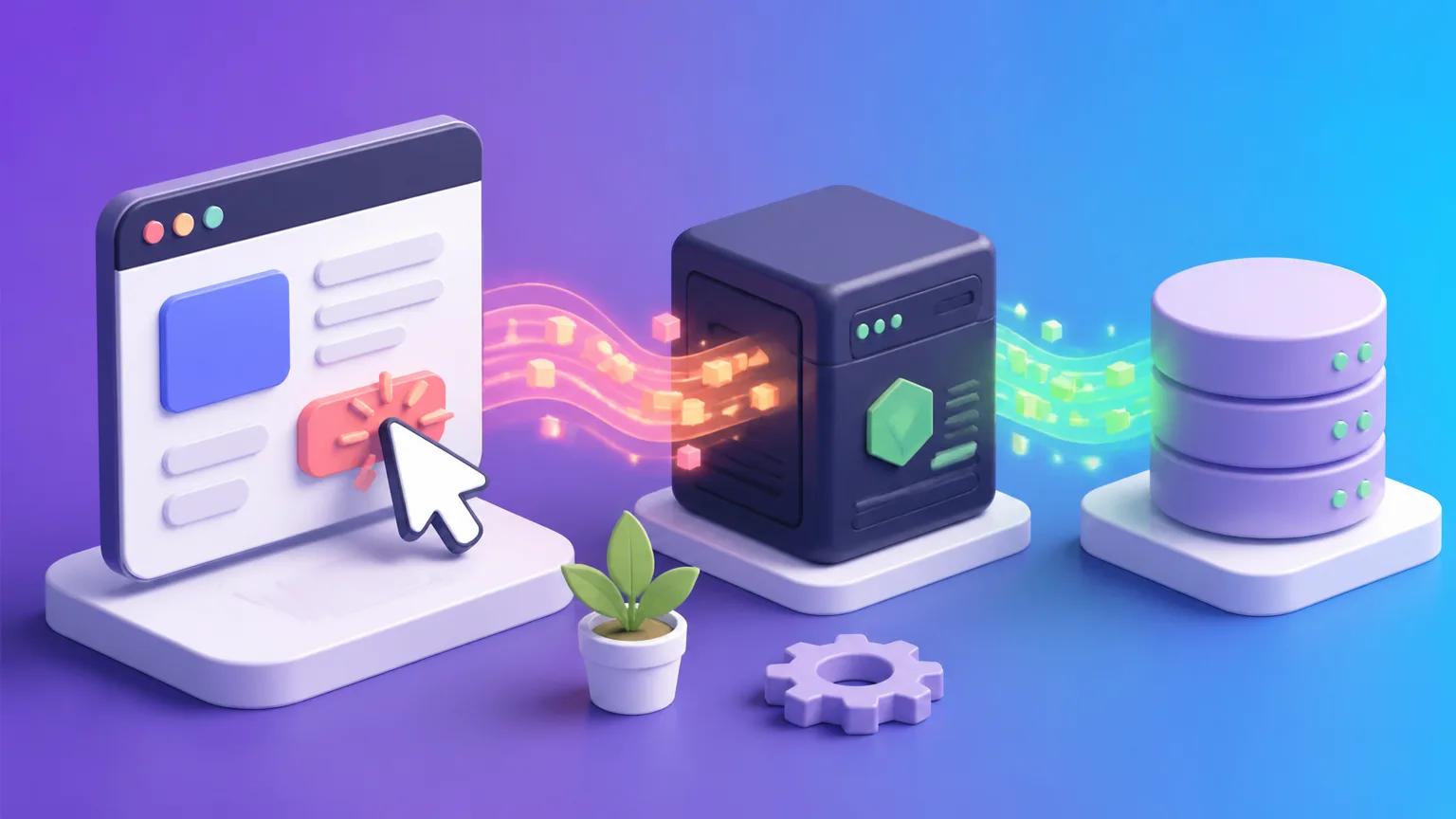
Every June, a student brings us the same todo app. The React part is fine: components, state, even a bit of local storage. Then they hit the wall. "How do I save this to a server?" They've been clicking buttons and updating UI for weeks, but the app forgets everything on refresh. That's the moment we start talking about the other half: a Node.js backend.
The mental model is simple. React runs in the browser, Node runs on a server. They don't share variables or memory. They talk over HTTP, sending JSON back and forth. The browser asks for data; the server responds. That's it. But simple doesn't mean easy. The tricky part is designing the API and knowing where each piece of logic belongs.
Here's the smallest Express server that does something useful. It keeps a list of items in memory and exposes two endpoints:
const express = require('express');
const app = express();
app.use(express.json());

const items = [];

app.get('/api/items', (req, res) => {
  res.json(items);
});

app.post('/api/items', (req, res) => {
  const item = req.body;
  items.push(item);
  res.status(201).json(item);
});

app.listen(4000);
On the React side, we fetch that data when the component mounts:
import { useEffect, useState } from 'react';

function ItemList() {
  const [items, setItems] = useState([]);

  useEffect(() => {
    fetch('/api/items')
      .then(res => res.json())
      .then(setItems);
  }, []);

  return (
    <ul>
      {items.map(item => <li key={item.id}>{item.name}</li>)}
    </ul>
  );
}
Notice the URL: /api/items. In development, that won't work unless we configure a proxy. When you open the HTML file directly, fetch will fail because of CORS. The browser enforces same-origin policy. So we need to serve the frontend from the same origin, or set CORS headers on the server. We'll come back to that.
But first, the data flow. The server is the source of truth. React's state is just a local mirror. When you POST a new item, the server changes its data, but React doesn't know until you re-fetch. Many beginners try to update React state first, then send a POST, assuming the server will catch up. It won't. You have to decide: either re-fetch after every mutation, or update the local state optimistically and trust that the server accepted it. Both work, but you need to pick one per request.
We see students reach for Redux because they think they need global state to share server data across components. That's overkill. Server data is not global state; it's remote data. You can fetch it in each component, or use a small library like React Query. But for a simple app, plain useEffect and fetch is fine.
Now, about that proxy. In development, we run React on port 3000 and Express on port 4000. The browser thinks it's talking to React only. We can tell the React dev server to forward /api calls to Node. In package.json, add "proxy": "http://localhost:4000". Then fetch('/api/items') works. In production, you'll serve the built React files from Node, so they share the same origin, and no proxy is needed.
Environment variables matter. The API URL is different in dev and prod. Put it in a .env file. React's build system reads REACT_APP_* variables. Node reads process.env. Don't hardcode URLs.
One more mistake we see every semester: mixing code. Some students put Express routes inside React components. That's impossible. Others put React components inside Express routes. Also impossible. Keep two folders: client and server. Each has its own package.json. The client folder holds all JSX and CSS. The server folder holds routes and database logic. The only connection between them is the HTTP request.
We don't know everything about every stack, but we've seen these patterns fail and succeed enough times. The key is to respect the boundary: React renders, Node responds. When you internalize that, the whole architecture becomes boring and predictable. Boring is good in a production app.
Common questions
Do I need to use Next.js instead of a separate React and Node setup?
If you need server-side rendering or want a single deployment, Next.js is a fine choice. But if you have an API that other clients might use, keeping React and Node separate is cleaner. For a small project, either works, but the mental model is different: Next.js blurs the boundary by letting you write server code inside your pages.
How do I handle authentication with React and Node?
Use JWTs. The server issues a signed token on login; the client stores it (in memory or an httpOnly cookie) and sends it in the Authorization header for protected routes. The server verifies the token on each request. This pattern is standard, but it's a whole topic on its own.
Why does my fetch fail with a CORS error when I open the HTML file directly?
Because the browser blocks cross-origin requests unless the server sends the right headers. You need to run a local server for the frontend, or set CORS on the backend. In development, the proxy in package.json solves this without touching CORS headers.
Courses this relates to
Come and sit a class before you decide
Reading about it only gets you so far. Pick a day, sit in on a class that is already running, write some code, and talk to the students in it. Free, and nothing to pay afterwards unless you want to join.