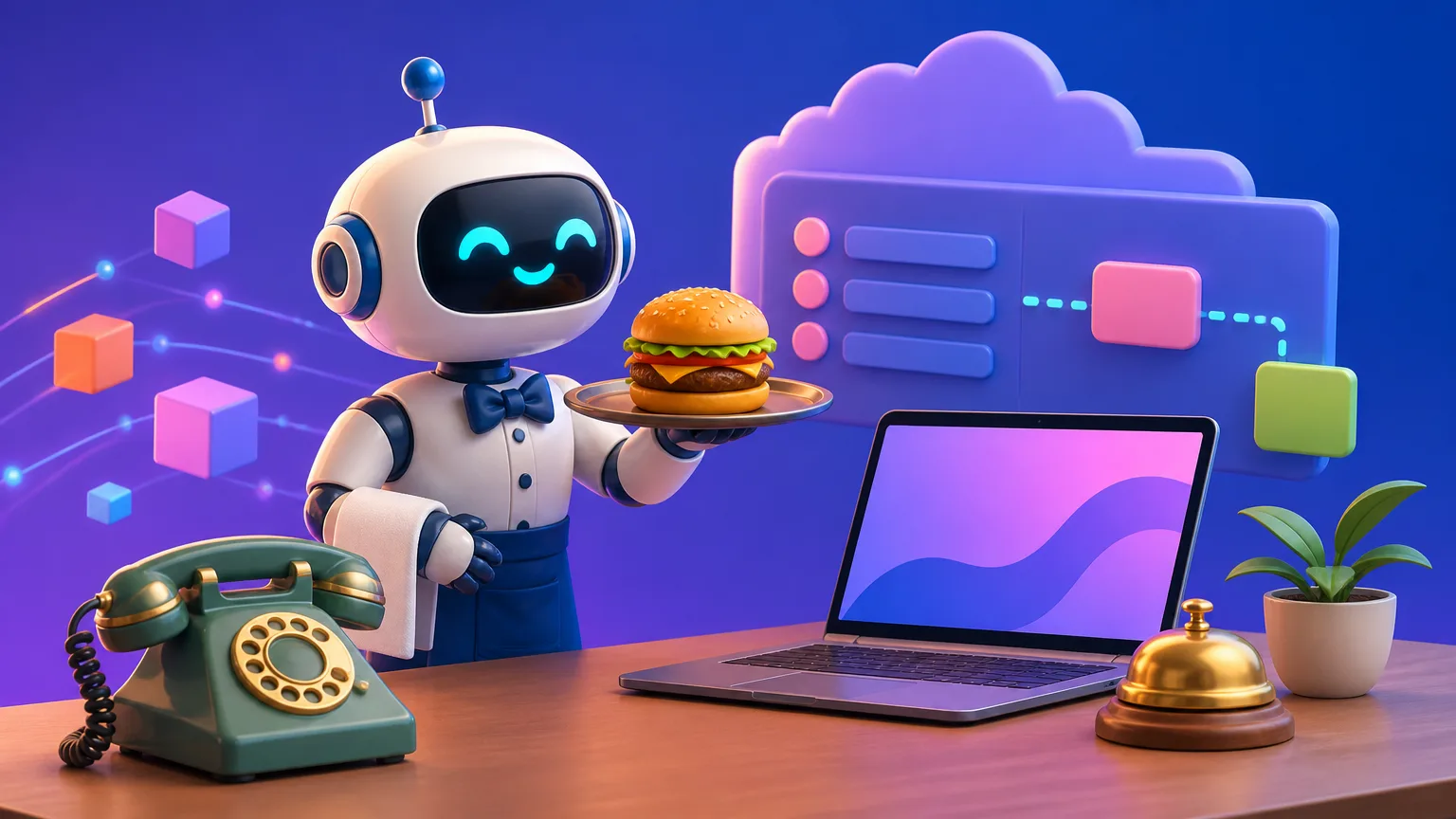
If you’ve spent any time around web development, you’ve probably heard the phrase “REST API” thrown around. It sounds technical, but once you understand the core idea, it’s surprisingly simple. A REST API is just a set of rules that lets two software programs talk to each other over the internet, using the same language the web already uses: HTTP.
Think of it like ordering food at a restaurant. You (the client) look at a menu, tell the waiter what you want, and the kitchen (the server) prepares it. The menu lists the available dishes and what you can ask for. In REST, that menu is the API.
What Does REST Actually Mean?
REST stands for REpresentational State Transfer. That’s a mouthful, but the key idea is: your data is a resource (like a user, a blog post, or a product), and you can act on it using standard HTTP methods.
Those methods are the verbs of the API:
GET— read a resource (or a list of resources)POST— create a new resourcePUT/PATCH— update an existing resourceDELETE— remove a resource
The resources themselves are usually identified by URLs, and the data is typically exchanged as JSON.
Anatomy of a REST Request
Let’s say you’re building a todo list app. You want to fetch all your tasks. The request might look like this:
GET /api/todos
Host: myapp.com
Accept: application/json
The server responds with a status code and a body. A successful read often returns 200 OK, and the body contains your todos in JSON:
[
  { "id": 1, "title": "Write blog post", "done": false },
  { "id": 2, "title": "Make coffee", "done": true }
]
That’s it. No magic, just structured request and response.
Why REST Is So Popular
REST isn’t a protocol like HTTP itself; it’s an architectural style. That flexibility is one reason it took over the world. Here’s what makes it great:
- Statelessness — Each request contains all the info the server needs. The server doesn’t remember your previous calls. This makes APIs scalable and easy to cache.
- Uniform interface — A small set of well-understood verbs works across any REST API. Once you learn one, you can use almost any other.
- Human-readable data — JSON is easy to read and works with every major programming language.
A Simple, Real-World Example
You probably use REST APIs every day without noticing. When you log into a website, the frontend might send a POST to /api/login. When you submit a form, it might send a POST to /api/users. Even this blog post you’re reading was likely fetched through an API.
Here’s a tiny example using JavaScript’s fetch to create a new todo:
fetch('/api/todos', {
  method: 'POST',
  headers: { 'Content-Type': 'application/json' },
  body: JSON.stringify({ title: 'Learn REST', done: false })
})
  .then(response => response.json())
  .then(newTodo => console.log('Created:', newTodo));
Notice how the HTTP method and JSON body match what we discussed. The server receives it, does its job, and returns the created object (usually with a 201 Created status).
Common Pitfalls for Beginners
When you start working with REST APIs, a few mistakes are very common. Watch out for these:
- Using the wrong HTTP method. Don’t use
POSTto fetch data. UseGET. It’s not just convention — it affects caching and security. - Ignoring status codes. A
404means “not found,”401means “unauthenticated,” and500means “server error.” Don’t just check if the request “worked.” Read the status. - Putting actions in the URL. Some people make URLs like
/api/todos/delete/1. That’s not REST. Instead, useDELETE /api/todos/1.
How to Practice Without Risky Your Own Server
You don’t need to build a backend to practice. There are free public APIs you can call right now:
- JSONPlaceholder — a fake REST API for testing
- PokéAPI — fetch Pokémon data
- GitHub API — read public repository info
Open your browser’s console and try:
fetch('https://jsonplaceholder.typicode.com/todos/1')
  .then(res => res.json())
  .then(data => console.log(data));
You’ll see a real JSON object. You just made your first REST call.
The Bottom Line
REST APIs are the glue of modern software. They let frontend apps talk to backends, third-party services talk to each other, and your code talk to the world. You don’t need to memorize every rule to get started. Learn the verbs, understand resources, read the status codes, and practice with a few free APIs. Once you do, you’ll realize that REST is less about complicated theory and more about clear, consistent communication.
Courses this relates to
Come and sit a class before you decide
Reading about it only gets you so far. Pick a day, sit in on a class that is already running, write some code, and talk to the students in it. Free, and nothing to pay afterwards unless you want to join.