Every batch of students, we see the same moment: someone wires a DHT22 temperature sensor to an Arduino, watches the serial monitor print 23.4°C, and asks: "What now?" That's the real starting point for IoT. You have a sensor, a screen, and a tiny thrill. But you don't have a product, a solution, or even a meaningful system yet. You have a data logger.
The urge is to jump straight to "connect it to the internet" and make a dashboard. Resist that. The first thing you need to decide is not which protocol or which cloud service. It's what problem you are trying to solve. A temperature sensor that sends readings to a web page is only useful if someone acts on that data—turns on a fan, gets an alert, or adjusts a schedule. Otherwise, it's a toy. And that's fine for learning, but know the difference.
The problem first
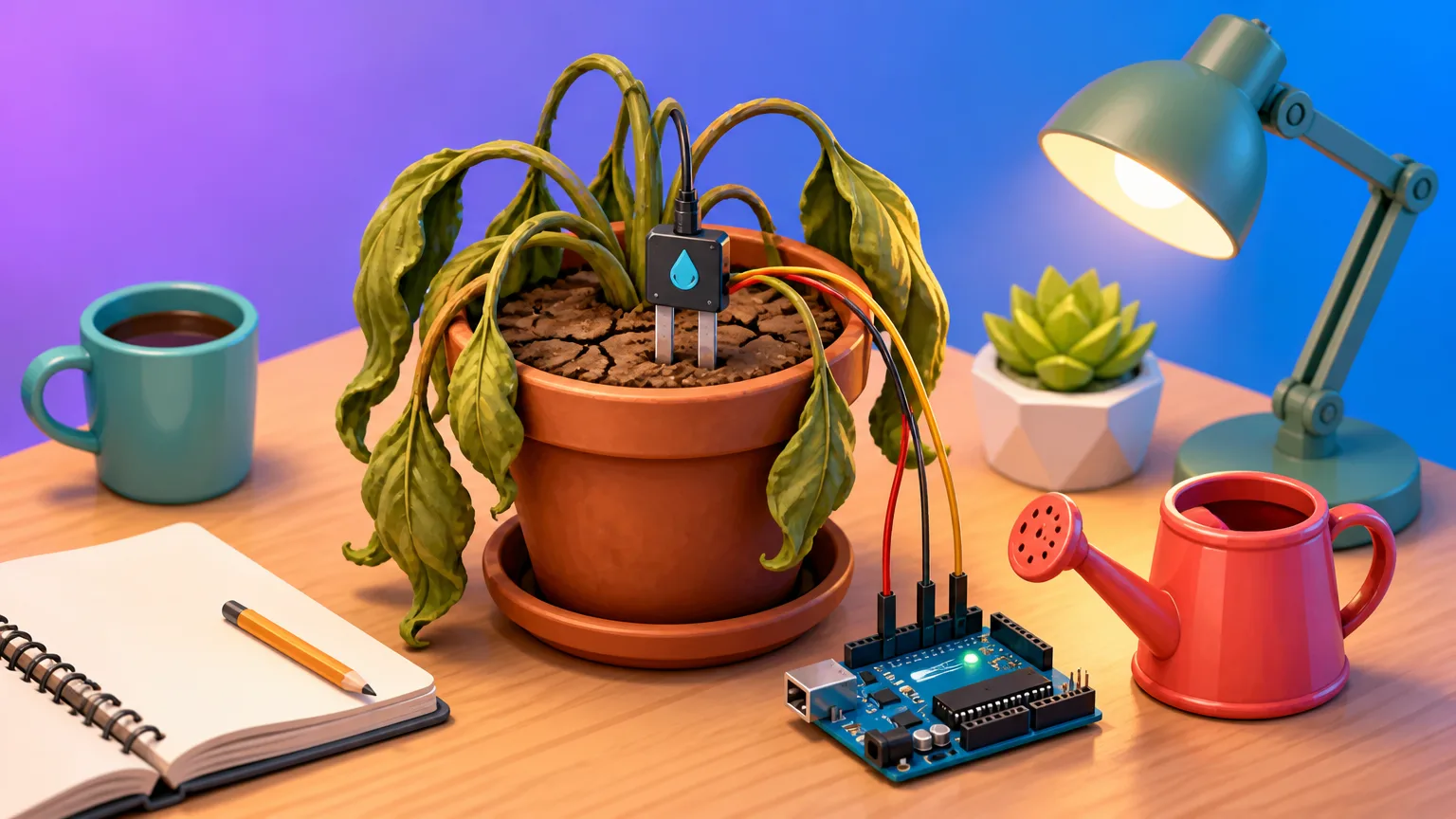
Take a real example from our class. A student wanted to monitor the soil moisture for her balcony plants. She didn't care about the exact percentage; she cared about not killing her tomatoes. So the problem wasn't "build an IoT system." It was "know when to water the plants." That shifted everything: she needed a sensor that measures soil moisture, a way to decide if the soil is dry, and a way to tell her phone. The network could wait. The cloud could wait. She started with a capacitive moisture sensor and an ESP32 board, because the ESP32 has Wi-Fi built-in and costs about $5. She wrote code to read the sensor every hour, sleep in between, and only publish a message when the moisture crossed a threshold. That's a complete IoT project: a sensor, a decision, an action.
.
Before you buy a single component, write down one sentence: "I want to know [X] so I can do [Y]." If you can't fill that in, you don't have a project yet. You have a hobby—which is also fine, but you'll learn less because you won't have constraints. Constraints force you to make trade-offs, and trade-offs are where real learning happens.
##The minimum viable system
Every IoT project, no matter how simple, has five parts. You don't need all five at first, but you should know which ones you're skipping.
.
-
A sensor: something that measures the physical world—temperature, motion, light, moisture, sound. For the plant monitor, a capacitive soil moisture sensor works by measuring the dielectric constant of the soil. It costs under $10.
-
A microcontroller: the "brain" that reads the sensor and decides what to send. An ESP32 is a great starting point because it includes Wi-Fi and has enough memory for most beginner projects. A plain Arduino Uno is simpler but needs an external Wi-Fi shield, which often costs more than the board itself. .
-
A network: the path for that data to travel from the microcontroller to somewhere useful. This could be Wi-Fi, cellular, Ethernet, or a low-power wide-area protocol like LoRaWAN. For home projects, Wi-Fi is the easiest. For remote fields, you'll need something else. .
-
A place for the data: a broker or a cloud service that receives, stores, and maybe processes the messages. An MQTT broker (like Mosquitto) running on a Raspberry Pi or a cloud provider is enough. For a single plant monitor, you can even skip storage and just have the broker forward the message to your phone via a push notification service. But you need a middleman—devices on the network don't talk directly to each other in most designs, because that creates security hazards and makes the system brittle.
-
An action: what happens as a result of the data. This could be a notification, a motor turning on, a light blinking, or a message in a log. Without an action, you have a data logger. Which is fine, but it's not IoT.
You might be tempted to skip the network and just put a screen on the microcontroller. That's a valid way to learn, but it's not IoT. IoT means the device is connected to something beyond its own enclosure. That something can be a local network, not necessarily the public internet. But there has to be a network hop. Otherwise you're just doing embedded programming—also a great skill, but a different one.
.
##The network is the tricky part
Sensors and microcontrollers are simple. You plug in a few wires, install a library, and read a value. The network is where beginners stumble, because it introduces concepts like protocols, brokers, QoS, and security. And it's where the "What now?" question turns into a real design decision.
.
The most common protocol for IoT messaging is MQTT. It's a publish/subscribe protocol designed for low-bandwidth, high-latency networks. Instead of a device asking a server for data (like HTTP), a device publishes a message to a topic, and any other device or service that subscribed to that topic receives it. This decouples the sender from the receiver—the temperature sensor doesn't need to know who's listening or where they are. It just publishes to home/office/temperature, and someone else deals with it. That's a huge advantage over HTTP, which requires the client to know the server's address and make a request. With MQTT, you can add a new dashboard, a new alert, or a new logger without changing the sensor's code. You just subscribe to the same topic.
Here's what a minimal Python script to publish a temperature reading looks like, using the paho-mqtt library:
import paho.mqtt.client as mqtt

client = mqtt.Client()
client.username_pw_set("student", "secret")
client.connect("localhost", 1883)
client.publish("home/office/temperature", "23.4")
That's it. But in practice, you won't publish a single reading. You'll need to decide how often to send, whether to batch readings, and what to do when the network is down. The network will be down—not often, but it will. And that's where the second big design decision comes in.
.
##Latency and the cost of being wrong
How fast does your system need to react? For a plant monitor, a 15-minute delay is fine. The soil doesn't dry out in seconds. For a doorbell camera, a 10-second delay might mean you miss the package thief. For a smoke detector, a 10-second delay could be fatal. So the latency requirement comes from the problem, not from the technology. Ask yourself: "If a message is delayed or lost, what happens?" If the answer is "nothing important," you can send infrequently and accept the risk. If the answer is "someone could get hurt," you need a different architecture—maybe a local trigger that doesn't depend on the network at all.
A common beginner mistake is to send data as often as possible. We had a student who set up a temperature sensor to publish every second, because he wanted "real-time" readings. His Wi-Fi network was fine, but the battery drained in a few hours. And the dashboard looked like a noisy line. There was no decision being made that needed a new reading every second. The thermostat in his office only needed a new reading every minute or two. So we told him to change the send condition: publish a new value only when the temperature changes by more than 0.5°C, or every 15 minutes as a heartbeat, whichever comes first. That cut the data volume by more than 90%, and the battery lasted weeks. The trade-off is that you might miss a gradual change—but a gradual change doesn't require immediate action. You set the threshold based on what matters for your problem.
##Power and batteries
If your device plugs into a wall outlet, power is a non-issue. But many IoT devices are battery-powered, and that changes everything. The microcontroller's datasheet will show a current draw of, say, 200 mA during active transmission. But that's the peak. In practice, you can put the chip into deep sleep mode, where it draws microamps. The duty cycle—the fraction of time the device is actually awake—determines battery life.
Let's do a rough calculation. Suppose an ESP32 draws 200 mA when active and 0.01 mA when sleeping. If you wake it up for 1 second every 60 seconds to read the sensor and send one MQTT message, the average current is about (0.2 * 1 + 0.00001 * 59) / 60 ≈ 0.0033 A, or 3.3 mA. On a 1000 mAh battery, that's about 300 hours, or 12 days. Not great. But if you wake every 15 minutes instead, the average current drops to about 0.22 mA, and the battery lasts over 180 days. That's a huge difference from just changing the send interval. And you haven't even optimized the code yet—you could turn off Wi-Fi until after the sensor read, use a lower-power microcontroller like an ATtiny85, or use LoRaWAN, which is designed for sub-milliamp operation. The point is, don't assume the hardware determines your battery life. The firmware—specifically the duty cycle—does.
##Security from day one
We had another student who set up a public MQTT broker on a cloud server with no password, just to test his project. Within a day, someone found it and started publishing random messages to his topic, causing his dashboard to show nonsense. That's a benign attack, but it shows how quickly automated scanners find open ports. Any device on the public internet with no authentication will be probed within minutes. So every MQTT connection should use a username and password, and you should enable TLS if your microcontroller supports it. Many ESP32 boards can handle TLS, but it adds memory and CPU load. For learning, a local broker on your own network with a username and password is enough. If you want to access it from the internet, don't port-forward your broker directly. Use a cloud service like AWS IoT Core, Azure IoT Hub, or a simple VPN. Those services handle authentication, encryption, and device certificates for you. You'll still need to manage credentials, but you won't be exposing a raw broker to the world.
A simple rule: never put a device directly on the public internet unless you have a way to revoke its access. That means each device should have its own username/password or certificate, not a shared one. If one device gets compromised, you can revoke just that credential. And don't use default passwords—that's how the Mirai botnet took down large parts of the internet in 2016, by logging into IoT devices with default usernames like "admin" and "123456".
##Start small: a concrete project
If you want to build your first IoT project today, skip the cloud dashboards and the machine learning. Build a room temperature monitor that publishes to a local MQTT broker and displays on a web page. Here's a workable plan:
-
Get an ESP32 board anda DHT22 sensor. Wire the sensor's VCC to 3.3V, GND to GND, DATA to a digital pin (say D4).
-
Install the PubSubClient library in the Arduino IDE. Write code to read the sensor every 10 seconds and publish to topic
home/office/temperature. Use QoS 0 for simplicity. . -
On your computer, install Mosquitto broker and run it. Subscribe to the topic from the command line to verify the messages are arriving.
-
Optionally, use Node-RED or a simple Python script to subscribe to the topic and display the current temperature on a local web page.
The code inside the Arduino loop will look something like this:
void loop() {
  float temp = dht.readTemperature();
  if (isnan(temp)) { return; }
  client.publish("home/office/temperature", String(temp).c_str());
  delay(60000); // send every minute
}
That's it. You'll learn more from getting this running than from reading ten tutorials. Once it works, try adding a threshold that sends an alert when the temperature rises above 28°C. Then try putting the ESP32 into deep sleep between readings. Then try connecting a relay to turn on a fan. Each addition forces you to confront a real constraint: battery life, latency, or network reliability. Those constraints are the actual curriculum of IoT.
##Common questions
Can I use a Raspberry Pi instead of a microcontroller for IoT?
Yes, but it's a different kind of device. A Raspberry Pi runs a full operating system, uses a few watts of power, and isn't suitable for battery-powered projects. It's great for running the MQTT broker, a database, or a dashboard. Use it as the "server" side of your system, not as the sensor node. For sensors, use a microcontroller like an ESP32 or an Arduino that can sleep and draw microamps.
.
Do I need to know how to code to start?
You need some basic programming, but not much. The Arduino ecosystem uses a simplified version of C++, and you can copy and modify examples from libraries. For the server side, Python helps, but you can also use Node-RED, which is a visual flow-based programming tool. Start with the Arduino code—it's the most forgiving entry point. You'll learn the rest as you go, because each problem forces you to search for a solution.
.
How much does it cost to run an IoT device for a year?
It depends on the network. If you use your home Wi-Fi and a local broker, the only cost is electricity—a typical ESP32 drawing a few milliamps on average might cost a few dollars a year. If you use a cellular connection, you need a data plan, which can range from $10 to hundreds per year depending on data usage. Cloud services like AWS IoT have a free tier, but after that you pay per message and per minute of connection. For a single sensor sending once an hour, you'll stay within the free tier easily. For a fleet of thousands, you'll need to budget carefully. The hardware is cheap; the network and maintenance are where the costs appear.
Courses this relates to
Come and sit a class before you decide
Reading about it only gets you so far. Pick a day, sit in on a class that is already running, write some code, and talk to the students in it. Free, and nothing to pay afterwards unless you want to join.